 Hearthside Pixel
How to Color by Number: A Beginner's Guide to Pixel Art Coloring
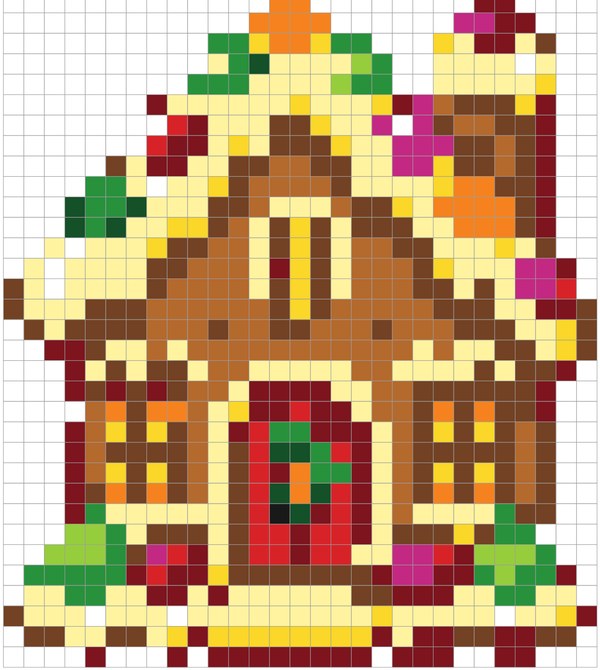

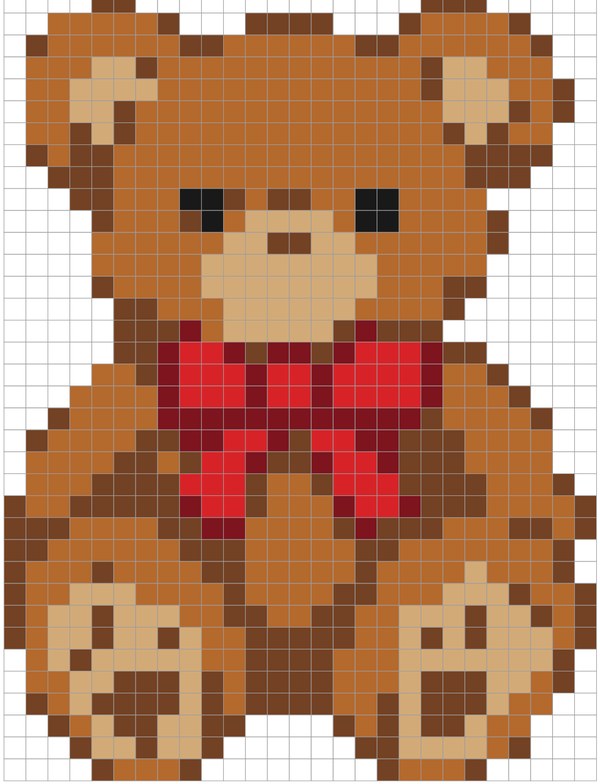
Color by number pixel art looks complicated at first glance: a big grid full of letters and numbers. In practice it is one of the most relaxing ways to color, because every decision is already made for you. You only need to match a code to a color and fill the square.
1. Read the color key first
Every page has a key under the grid. Each code (a number or a letter, for example 3 or K) belongs to one color. Lay out the markers or pencils you need in the same order as the key so you are not hunting for them later.
2. Work one color at a time
Pick a code and fill every square with that code before moving on. It is faster than switching colors constantly and you will not miss squares. Many people start with the color that covers the most area, then finish with small details.
3. Fill squares edge to edge
- Color in short strokes inside each square, then go over the edges once to make the color even.
- With markers, move in one direction so streaks line up.
- With pencils, light pressure first, then a second layer for a richer color.
4. Black squares are already done
On our free pages, dark squares are printed in black. They are outlines and details such as eyes or windows, so you can skip them.
5. Check the answer
Every free PDF has a second page with the finished picture in color. Peek when you are unsure about a section, or keep it hidden until the end for a fun reveal.